Best Browser Games to Play on Your Phone (No App Needed)
Games that work well on Android and iPhone straight from the browser — shooters, racing, puzzles and more, with touch controls.
You don't need to install an app to play good games on your phone. Every game below runs in your mobile browser and has proper touch controls. Open PlayQubo, tap a game and press Play.
Tip: turn your phone sideways for most action games, and use the Fullscreen button under the game for the best view.
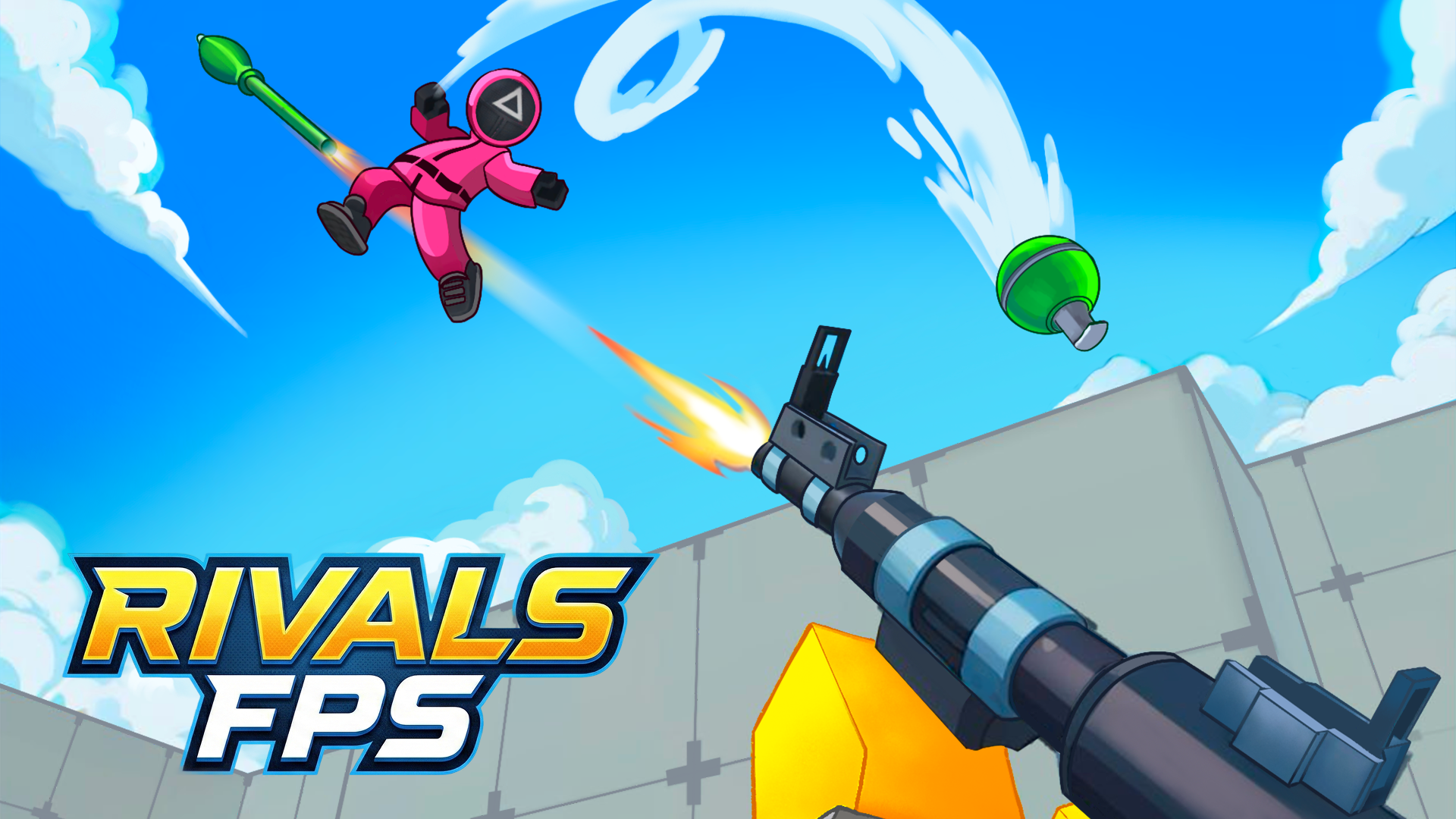
Shooter: RIVALS FPS
A real online shooter on your phone, with a joystick on the left to move and swipe-to-aim on the right. Jump and reload with on-screen buttons.
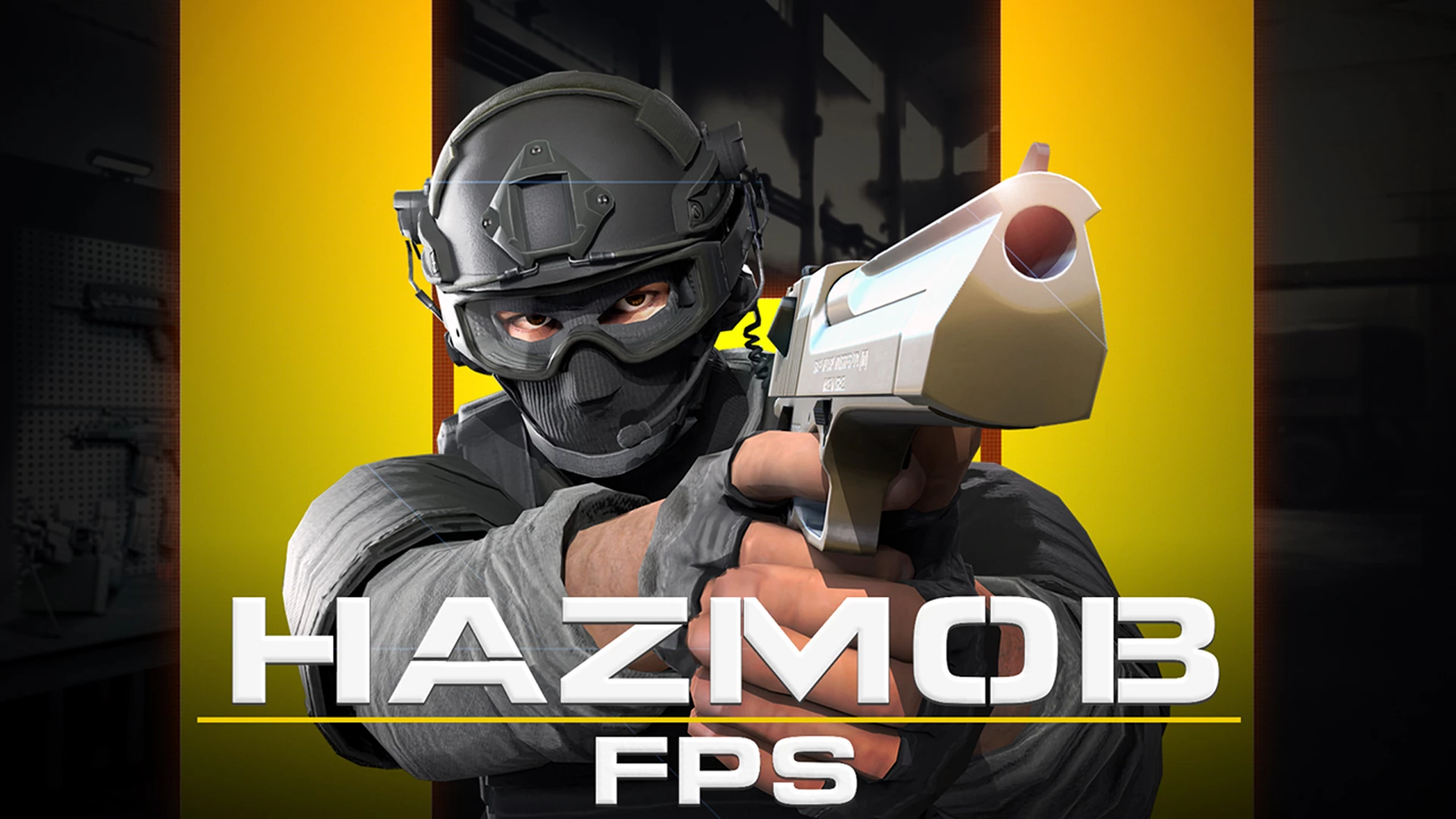
Shooter: Hazmob FPS
Seven game modes and fast close-range fights. It's playable on phones, though the full set of skills is easiest on a keyboard.
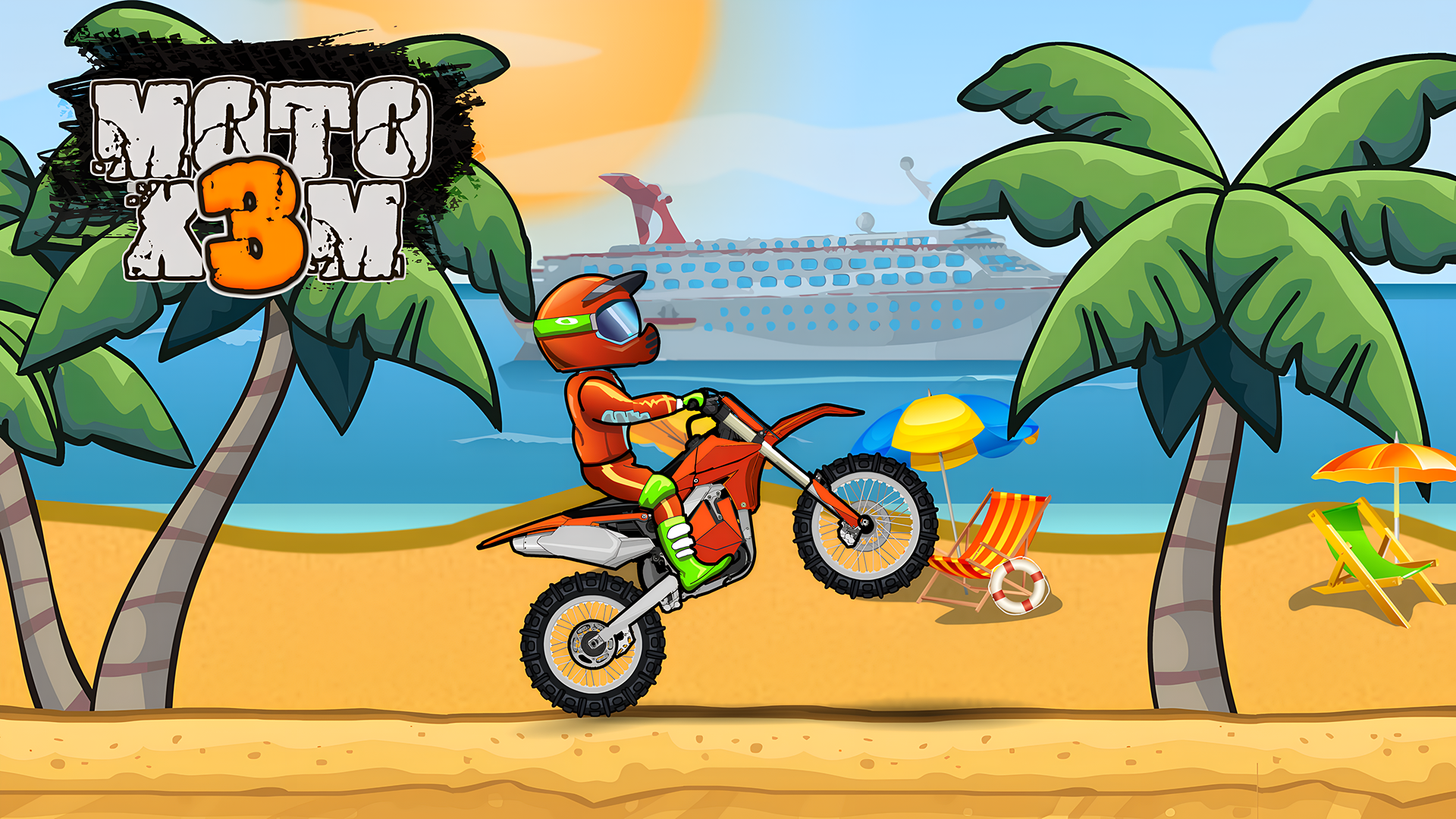
Racing: Moto X3M
Stunt bike levels that work beautifully with touch controls. Short courses and checkpoints make it ideal for playing on the go.
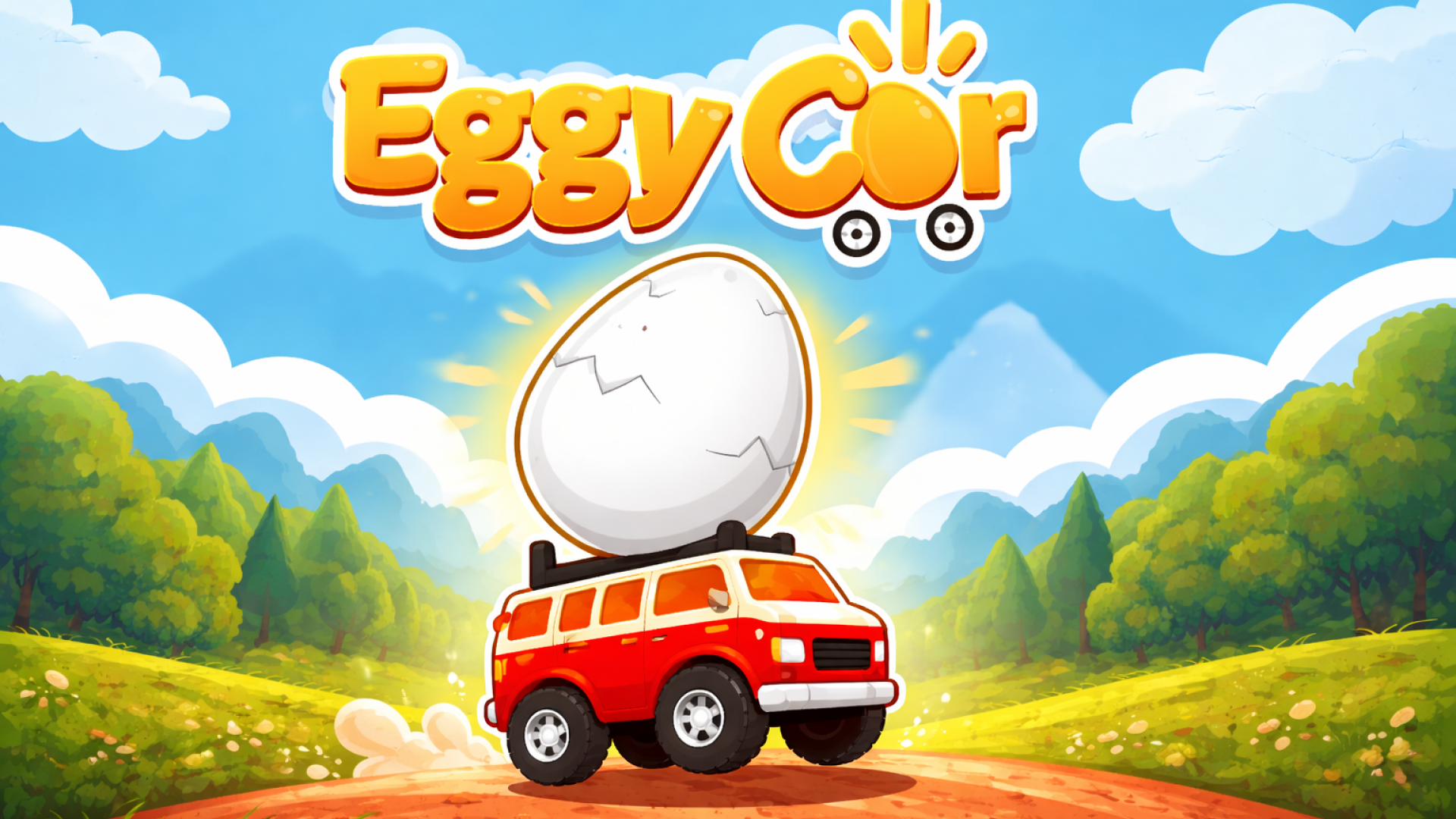
Driving: Eggy Car
Two on-screen pedals and one fragile egg. Perfect for a few minutes while waiting in line.
Sandbox: Solar Smash
Destroy planets with a tap and a swipe. No goals, no pressure, just impressive physics.

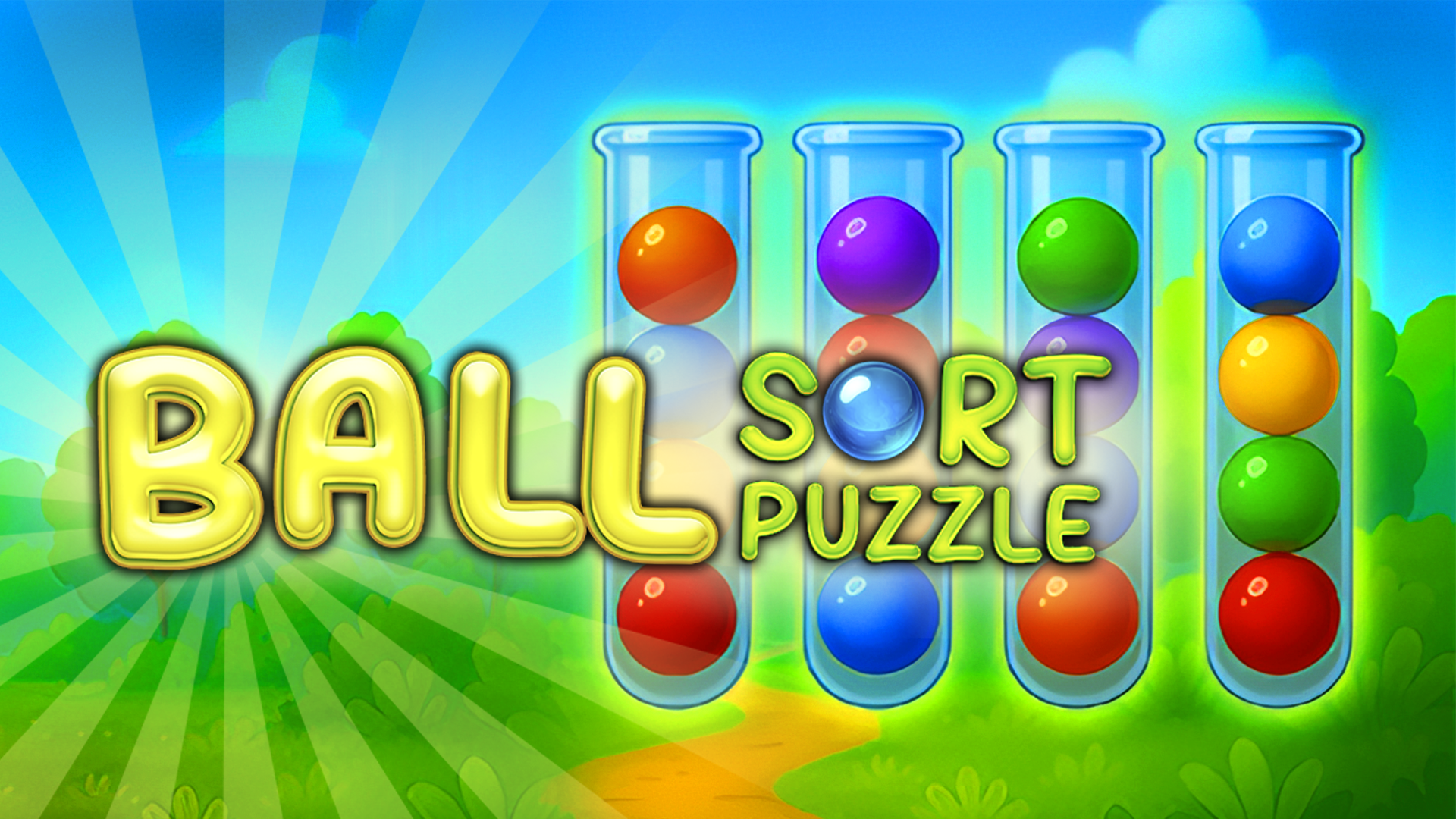
Puzzle: Ball Sort Puzzle
Tap a flask, tap another. Simple to control with one finger and great for short breaks.
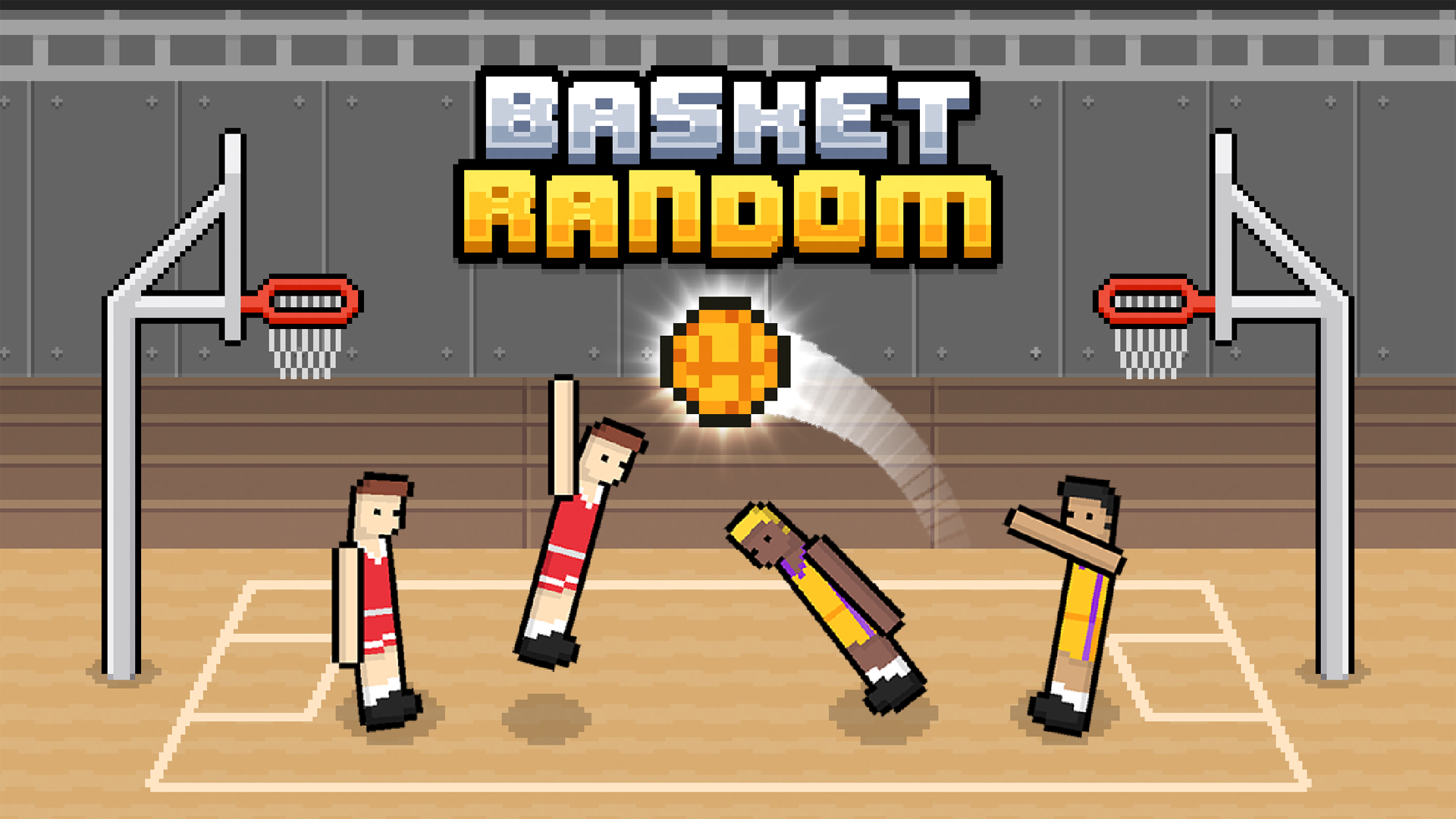
With a friend: Basket Random
Two players can share one phone or tablet — each side gets one button. Expect a lot of laughing.
If a game doesn't load on your phone
Check your connection first — 3D games are larger downloads.
Close other tabs to free up memory.
Some games are made for computers only; their page on PlayQubo says 'PC (keyboard & mouse)' under Works on.