- Category
- .io Games
- Works on
- Phone, tablet & PC
- Price
- Free, no download
About RIVALS FPS: Online Shooter
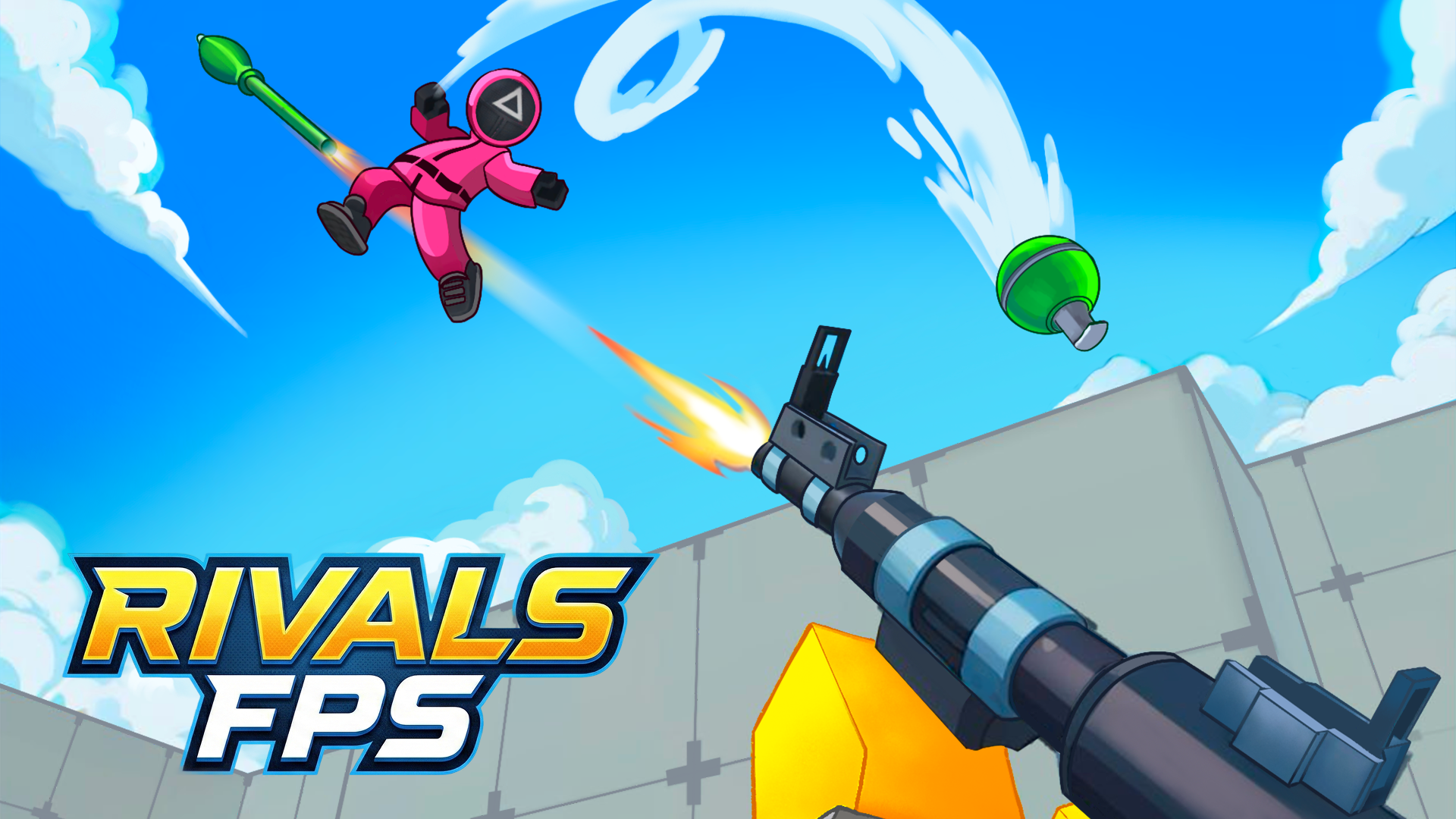
RIVALS FPS is an online first-person shooter you can jump into straight from your browser. You either create your own match or join a room that other players have already opened, then fight it out on colorful 3D maps against real opponents. Matches are short and busy, so a single session can be anything from a quick five-minute warm-up to an hour of trying to climb the leaderboard.
The bright, cartoon-like look keeps things readable even when a fight gets messy: you can spot enemies against the scenery and see where shots are coming from. Between rounds you collect rewards, try different weapons and find the loadout that suits how you like to play — close-range rushing or picking players off from a distance. It runs on PC and phone, which makes it a good pick when you want a real multiplayer shooter without installing anything.
How to play
- W A S D — move
- Mouse — look around and aim
- Left click — shoot
- Space — jump
- C — crouch
- E — interact with objects
- On phones: left-side joystick to move, swipe on the right side to aim, on-screen buttons to jump and reload
Tips & tricks
- Crouch (C) before you shoot at long range — your aim stays steadier and you become a smaller target.
- Don't stand still after a kill. Move to a new spot, because everyone who heard the shots is now heading your way.
- Try every weapon in a casual match first and keep the one you hit most with, not the one that looks strongest.
- Jumping around corners makes you harder to hit than walking out in a straight line.
- Playing with friends? Open your own room and share it, so you all land in the same match.
FAQ
Is RIVALS FPS really multiplayer?
Yes. You play against other people online — either in a room you create or in one somebody else opened.
Can I play RIVALS FPS on my phone?
Yes. It works on Android and iPhone with touch controls: a joystick on the left and swipe-to-aim on the right.
Do I need to download or sign up?
No. The game loads in your browser on PlayQubo, with nothing to install.