- Category
- Racing
- Works on
- Phone, tablet & PC
- Price
- Free, no download
About Moto X3M
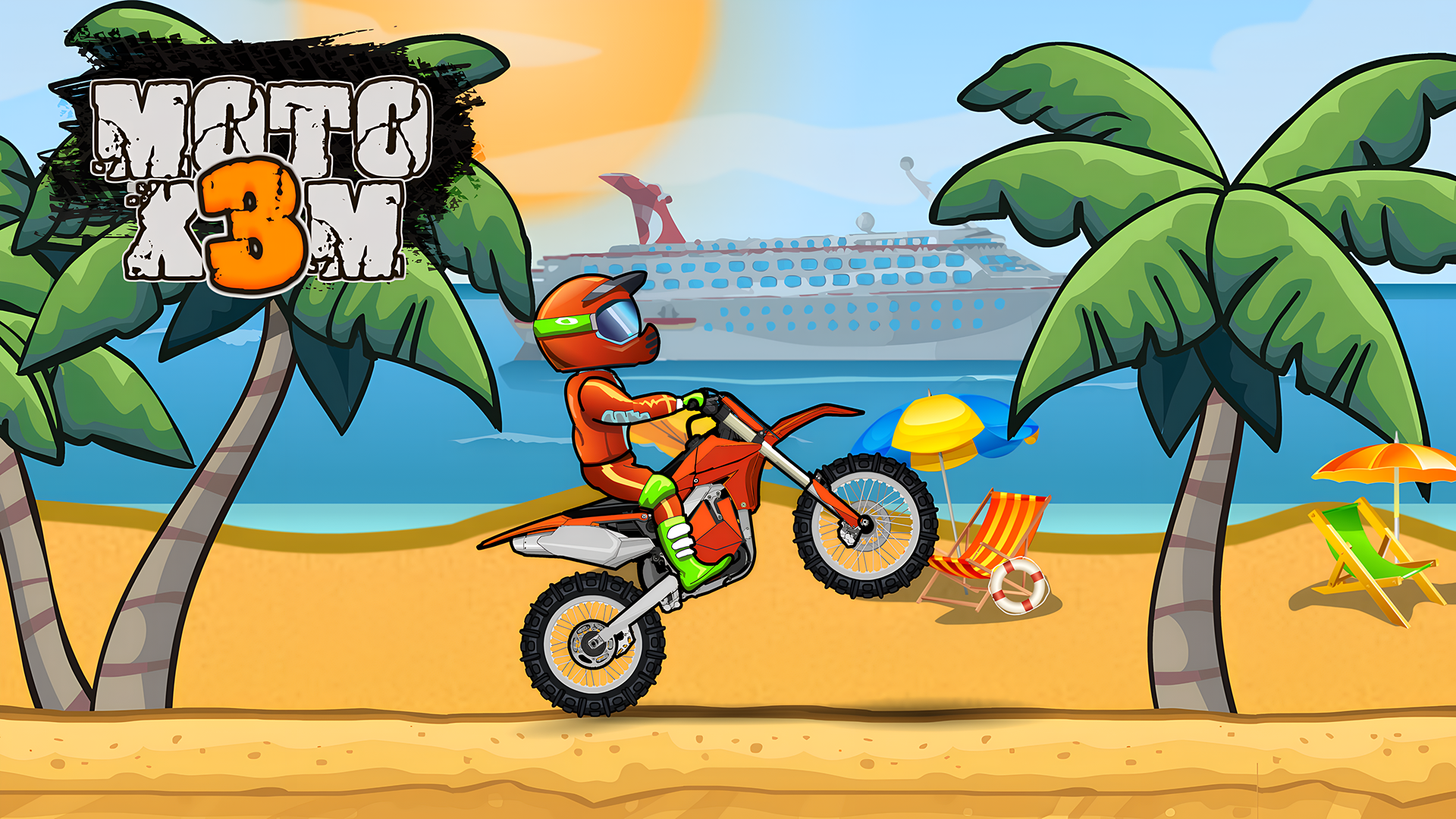
Moto X3M is one of the best-known motorbike games on the web, and for good reason. Each level is a short off-road course full of ramps, loops, explosive barrels, moving platforms and spinning traps, and your goal is to reach the finish line as fast as possible without crashing. The controls take seconds to learn, but landing every jump cleanly takes real practice.
The secret is balance. You lean your bike forward and back in the air, and the angle you land at decides whether you keep going or fly over the handlebars. Flips are more than just style, too: every completed flip shaves time off your run, so the best players chain stunts together to chase three-star times. Checkpoints keep frustration low, which makes it a perfect 'one more try' game.
How to play
- Up arrow or W — accelerate
- Down arrow or S — brake
- Left / right arrows or A / D — lean back and forward to balance and flip
Tips & tricks
- Land with both wheels at the same time. Coming down on the front wheel is the most common way to crash.
- Every flip reduces your time, so add one on big jumps once you know the level.
- Don't hold accelerate all the time — some traps need you to slow down and wait for the right moment.
- If you crash, you restart at the last checkpoint, so it's fine to experiment.
- Lean back slightly on steep ramps to keep the front wheel down.
FAQ
How do you do flips in Moto X3M?
While your bike is in the air, hold the left or right arrow key to rotate. Each completed flip reduces your final time.
Can I play Moto X3M on my phone?
Yes, it works on Android, iPhone and computers.
Why do I keep crashing on landings?
You're probably landing at an angle. Use left and right to level the bike before touching the ground.